

MELKEM Authenticator app icon

MELKEM™ Authenticator

Private 2FA. No account.

Download on the App Store (opens in a new tab)
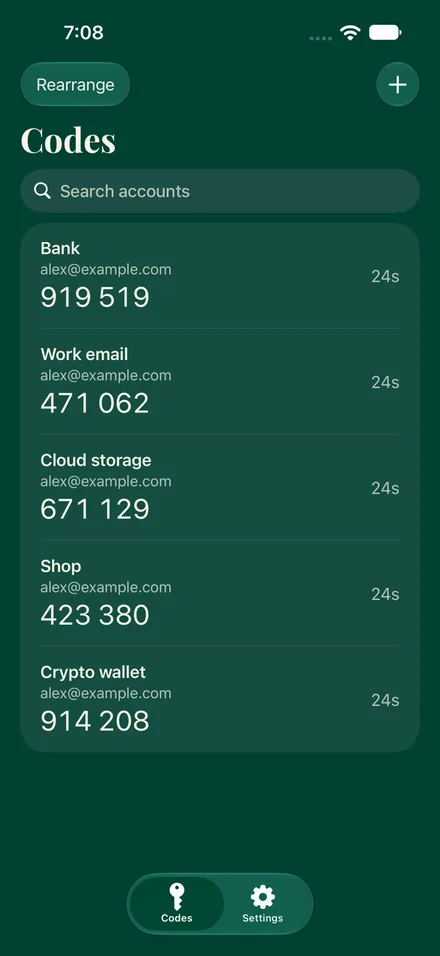
  • Codes screen of MELKEM Authenticator: five example accounts, each with a six-digit code and a seconds countdown beside it.
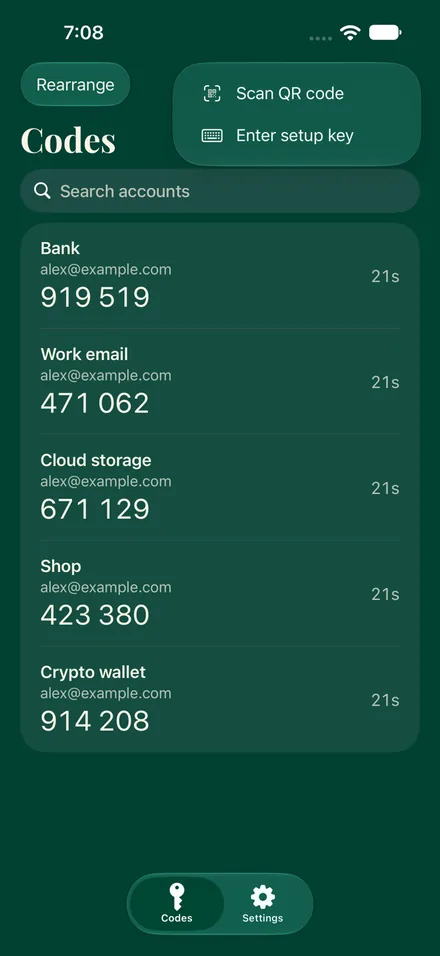
  • The add menu open over the Codes screen, offering Scan QR code and Enter setup key.
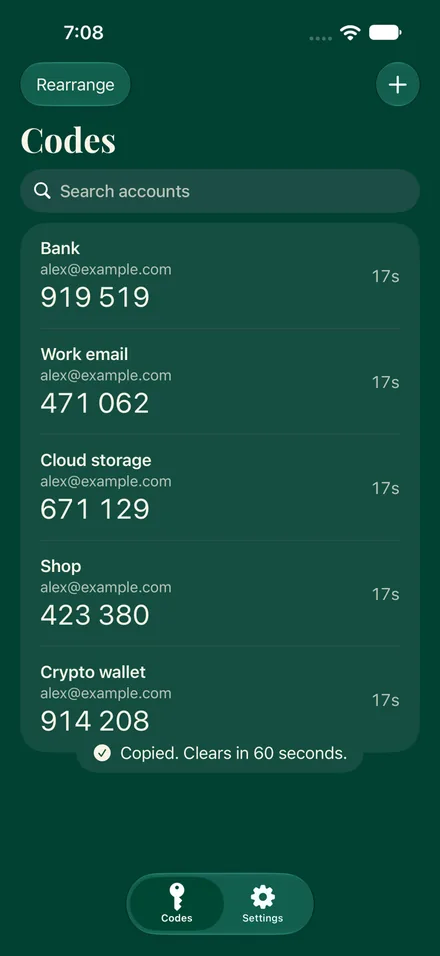
  • The Codes screen after tapping a code, with a notice that reads Copied. Clears in 60 seconds.
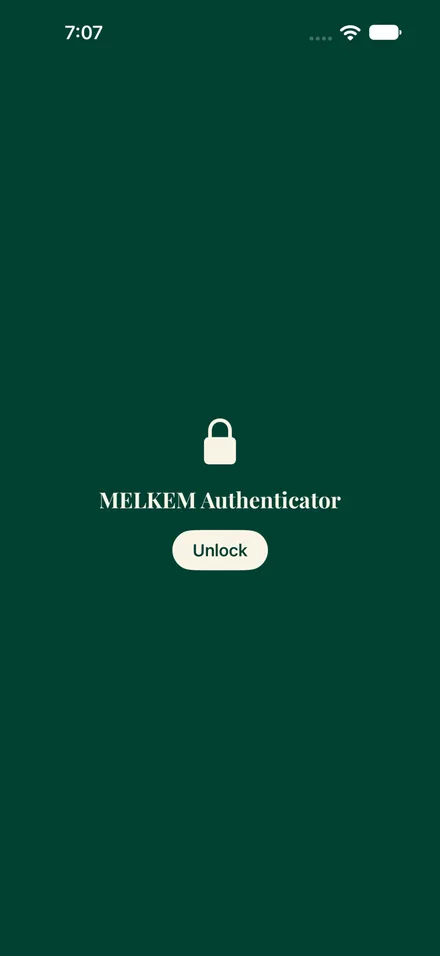
  • The lock screen: a padlock, the name MELKEM Authenticator and an Unlock button.
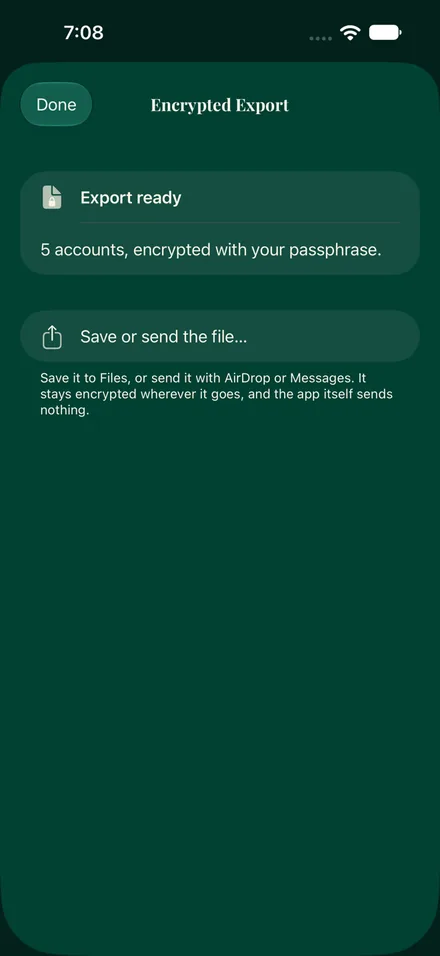
  • The Encrypted Export screen: Export ready, 5 accounts encrypted with your passphrase, and a Save or send the file option.
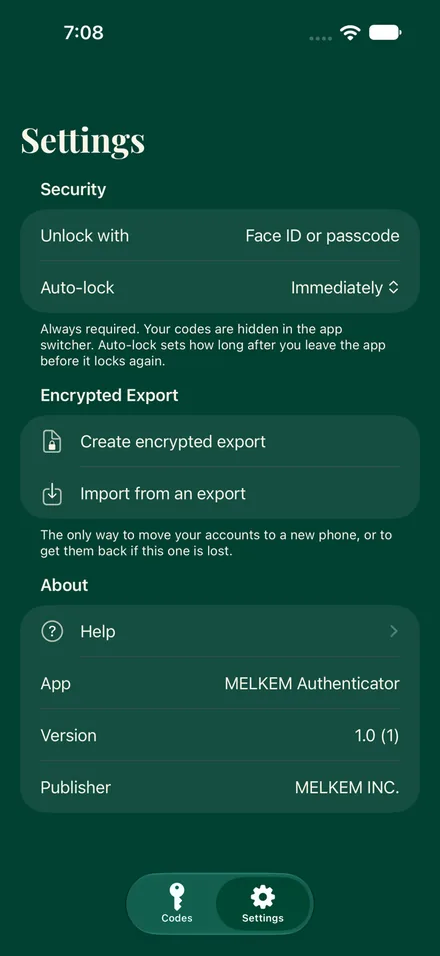
  • The Settings screen: Security with Unlock with Face ID or passcode and Auto-lock, then Encrypted Export and About.

How it keeps your keys

Your code changes. The key behind it matters.

Your two-factor setup key is what lets an authenticator keep making your sign-in codes, so where it’s stored matters.

MELKEM Authenticator keeps your setup keys in the iPhone’s Keychain, on this device only. They aren’t synced to iCloud. There’s no MELKEM account, no MELKEM cloud, and the app never connects to the internet.

Nothing to sign up for. Nothing to sync.

Your codes are made right on your iPhone. Making one never involves contacting MELKEM, and we never see which accounts you protect.

Recovery stays in your hands.

You can create an encrypted export, protected by a passphrase you choose, and keep it wherever you like. It’s an extra copy, so choose where it goes and guard the passphrase. We don’t keep your setup keys, so we can’t restore them if every copy is lost. Before you replace or erase your iPhone, make an export, and keep the recovery codes each service gives you.

One honest note: each website or service you protect also keeps its own copy of the key, so it can check your codes. Our promise covers the copy in our app.

At a glance

  • It’s free, with no subscription, no in-app purchases and no ads.
  • The privacy label is Data Not Collected.
  • It has no third-party code.
  • It asks for only two permissions: the camera, to scan a QR code, and Face ID, to unlock the app.
  • It works with standard TOTP codes.

Get it

Download MELKEM Authenticator on the App Store (opens in a new tab)

Also listed on AlternativeTo (opens in a new tab).

Private 2FA. Your device. Your control.

Ask MELKEM